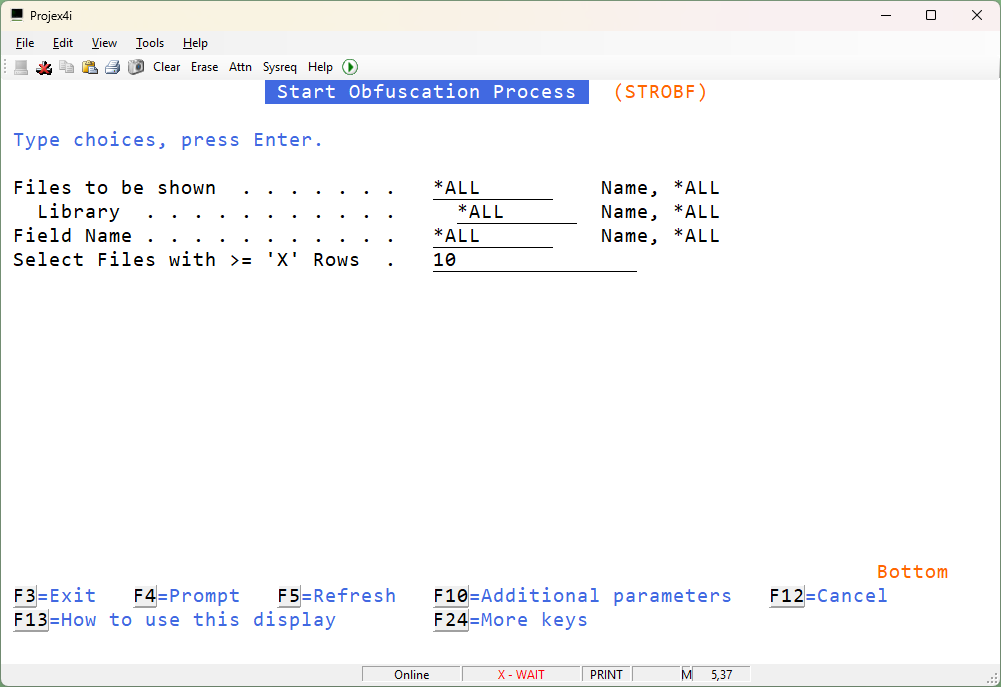
STROBF – Start Obfuscation Process
This is the data obfuscation process. This will obfuscate (aka mask, scramble, hide, fog) all the data that you have selected.
When you run the command, you will see all the obfuscation candidate fields listed in a big glorious subfile:

How does fogging work?
Lets choose one of these fields – for example – FOGNOW has shown use that someone has accidentally loaded a file with social security numbers in it! Yikes! So, lets fog the field SSN in file NLITTEN/PIIGUBBINS:
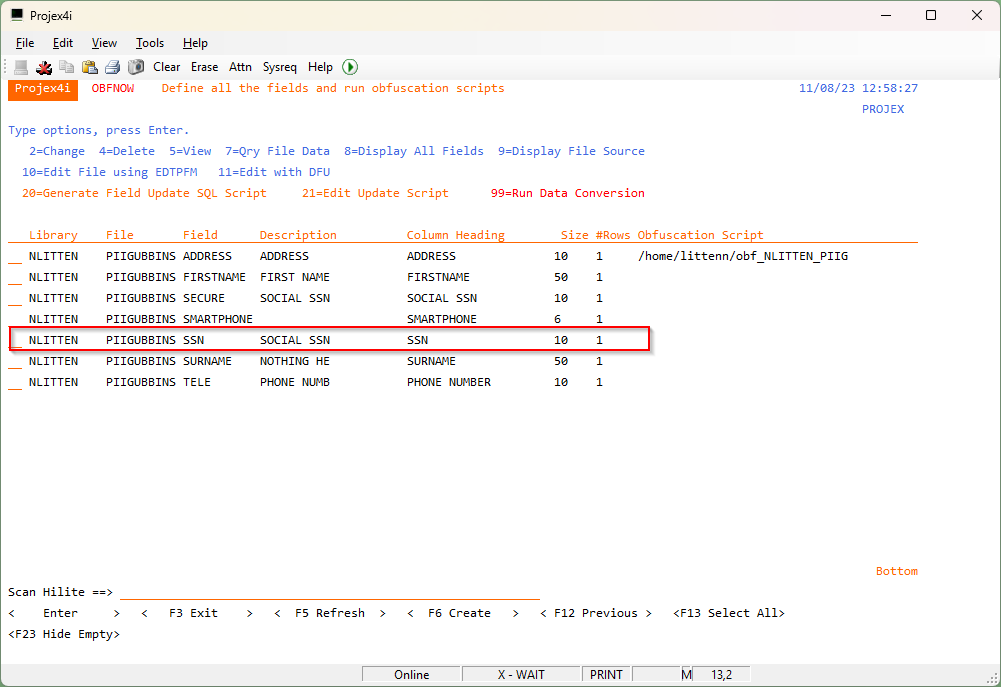
We can use menu option 7 to view the data:
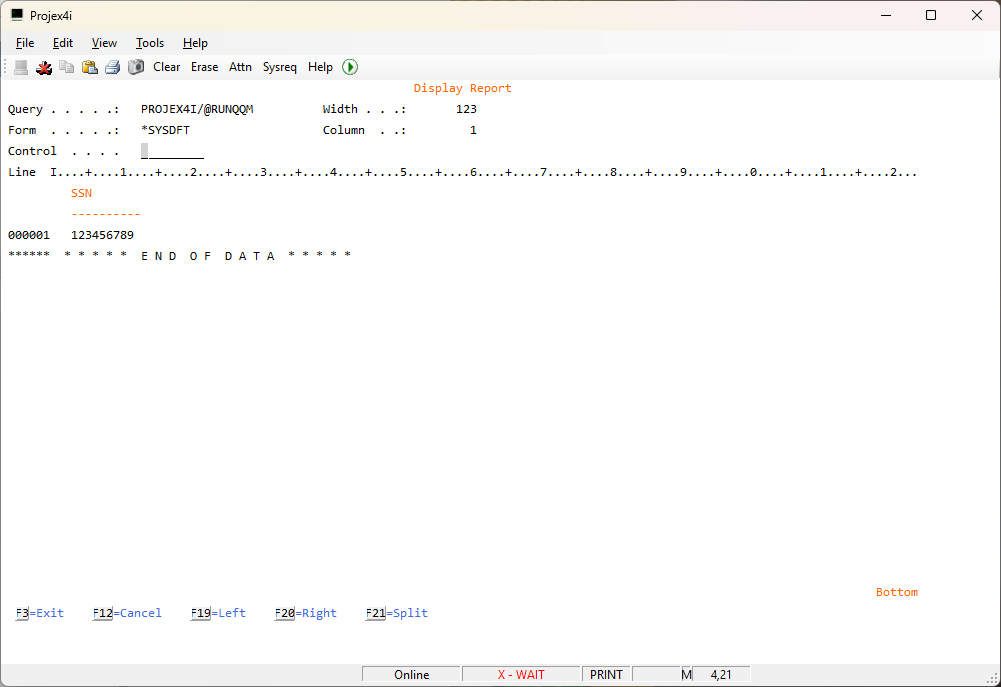
we can 20=Generate Field Update SQL Script, which will generate a conversion script. We can see the script has been stored at
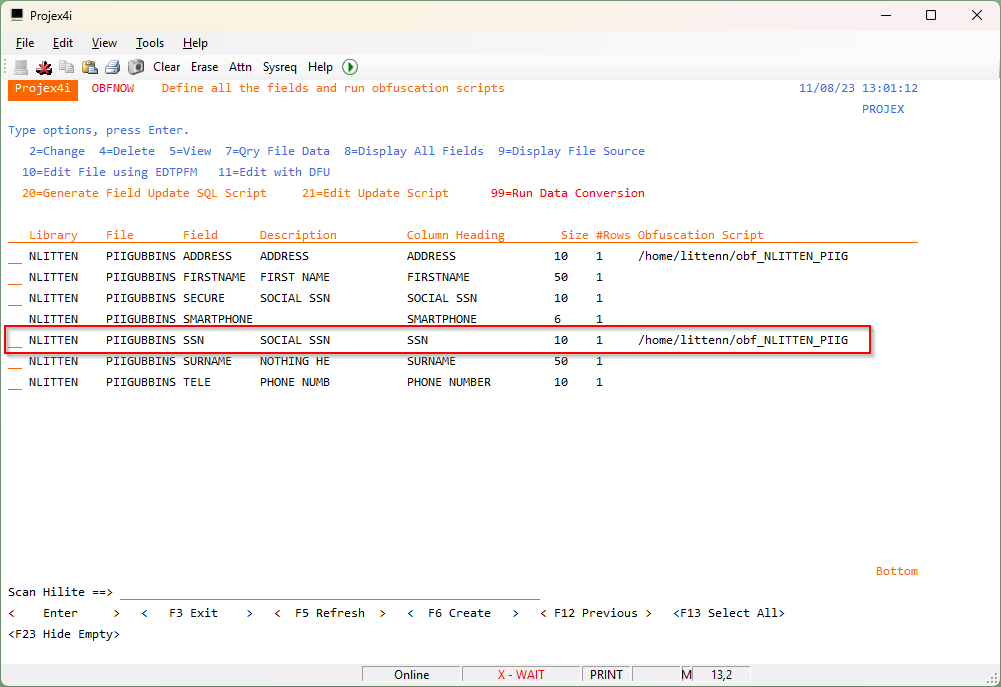
If we really want to change the letter obfuscation rules, we can edit this fogging script using option 21:
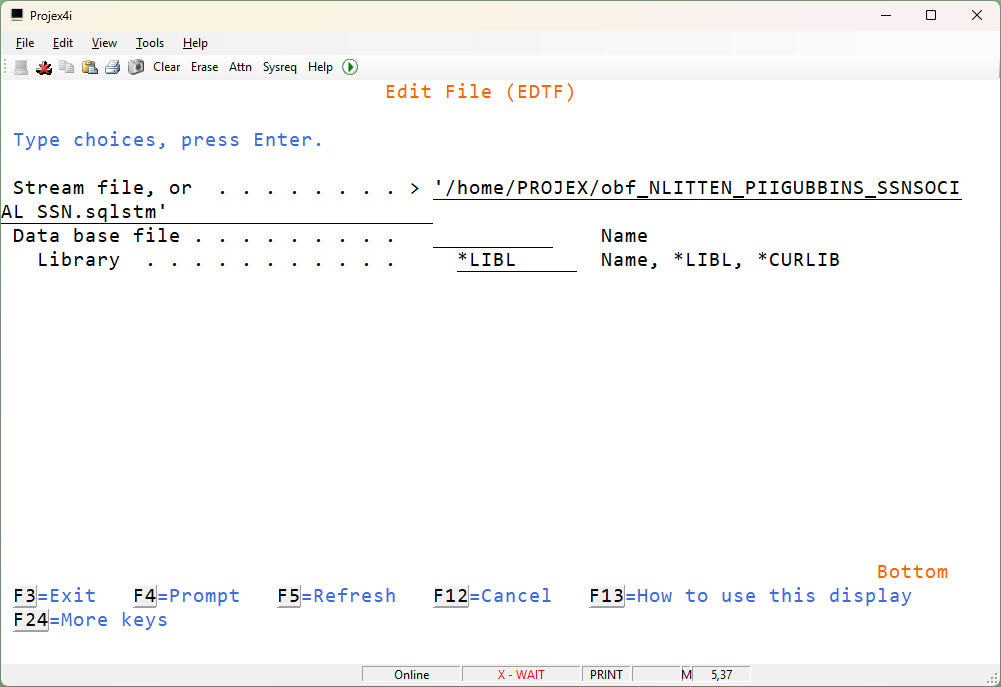
We can see from this obfuscation script that it is changing all numbers it encounters to a ‘1’.
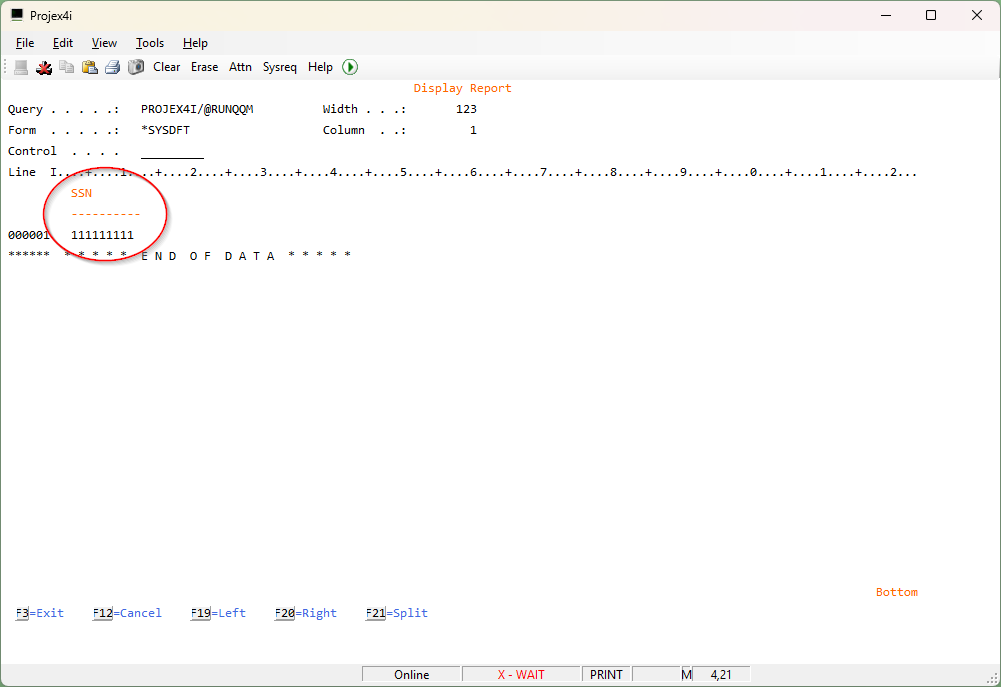
So, when we run the obfuscation process using 99 we can see the data has been nicely fogged: