

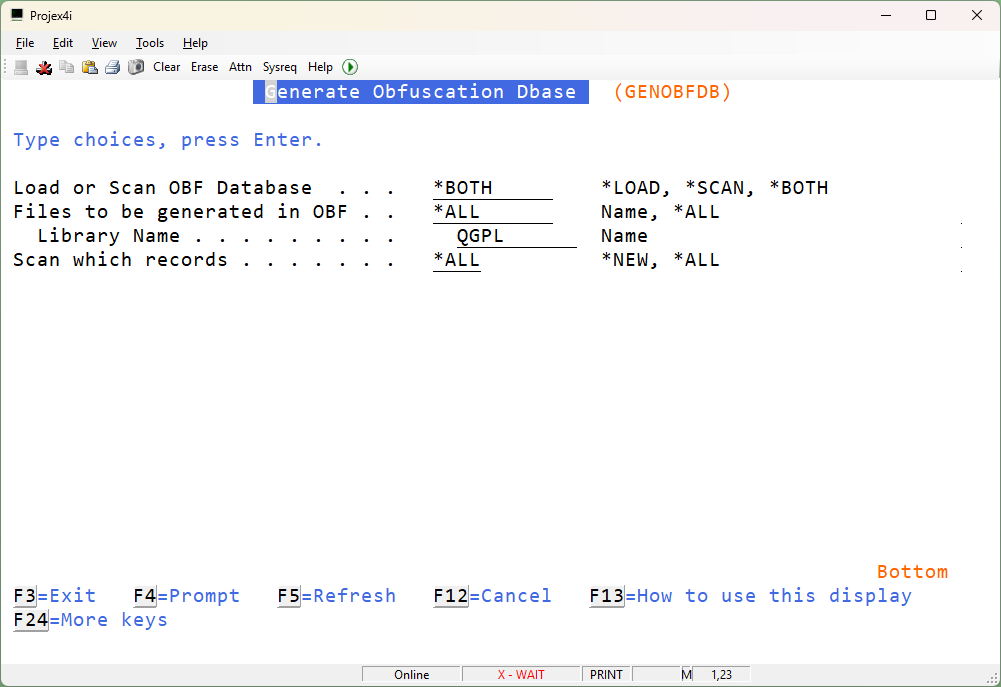
GENFOGDB – Generate the IBM i Fogging Database
Generate fogging database – will scan the files in the selected library and any files that include the words defined in the Obfuscation Word database will be marked as candidates for obfuscation.
You can Load the database – this will add the new files to the list of candidates.
You can SCAN the database – this will scan through any files in the database looking for all the words defined in the Fog Word Database. For example, if you add new words to be scanned for the SCAN process might find and flag more fields to be candidates for obfuscation.
You can do BOTH a LOAD/SCAN at the same time.
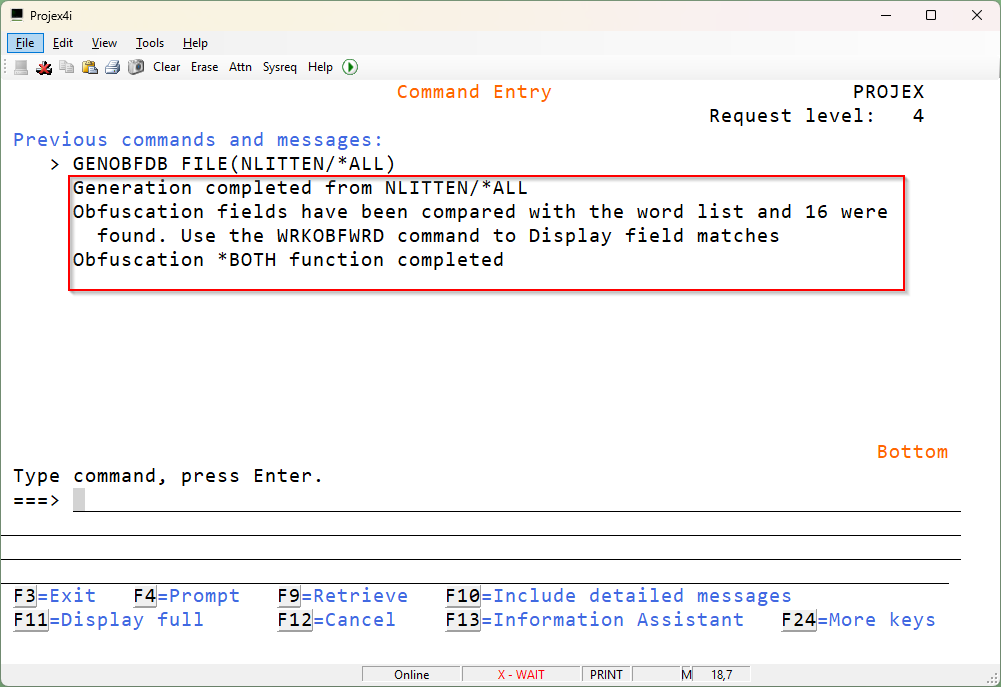
Once that database is loaded the next steps are to Print the list of fields that may contain fields that need obfuscation. Confirm the list, selecting you are happy and then use the Start Obfuscation Tool to double check and run the obfuscation.