

DSPTRGINF (Display Trigger Information)
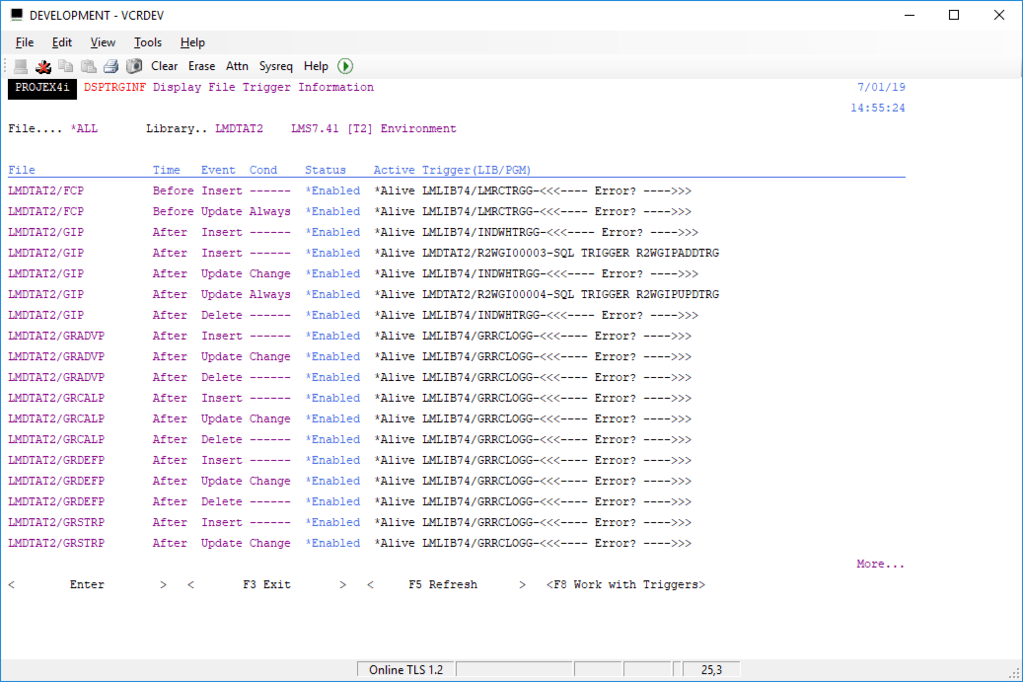
The DSPTRGINF (Display Trigger Information) command will show all file trigger information for a given file, all files or even a generic subset of files in any given library:
DSPTRGINF FILE(library/file*)This command builds a list of all objects in real time – so may take a few seconds to load if there are hundreds of triggers, a minute+ if there are many thousands.
Once the list has been built all file trigger information will be displayed. If you enter a SCAN value, the following screen will only show files or triggers that contain the text string entered.
Examples of some happy triggers:
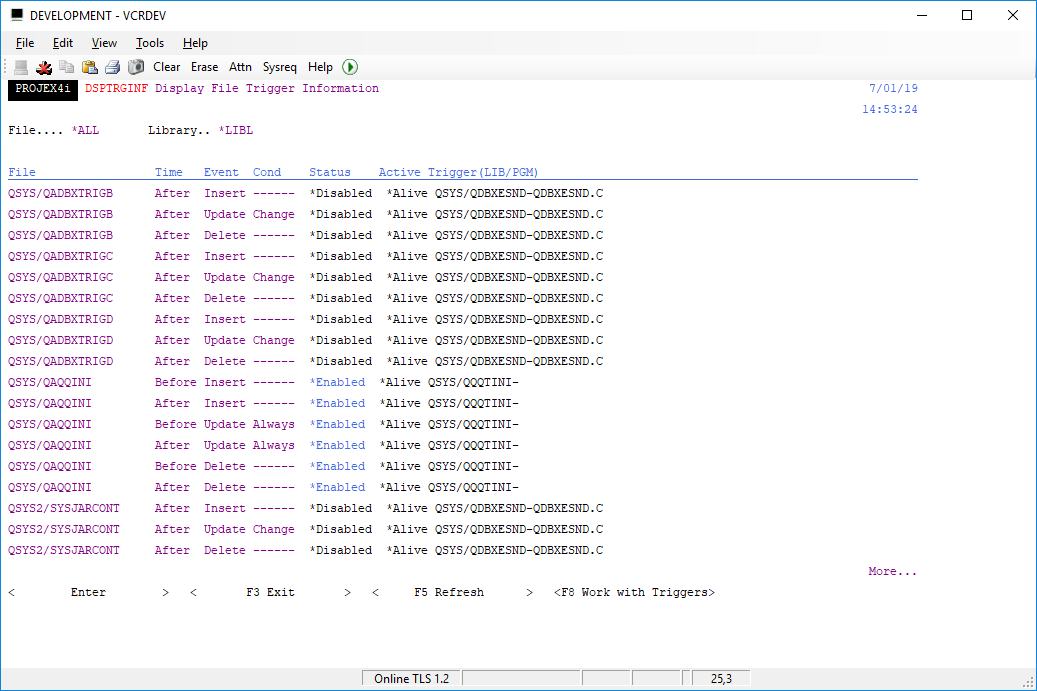
Example of triggers in error because of being set in non-existent library:
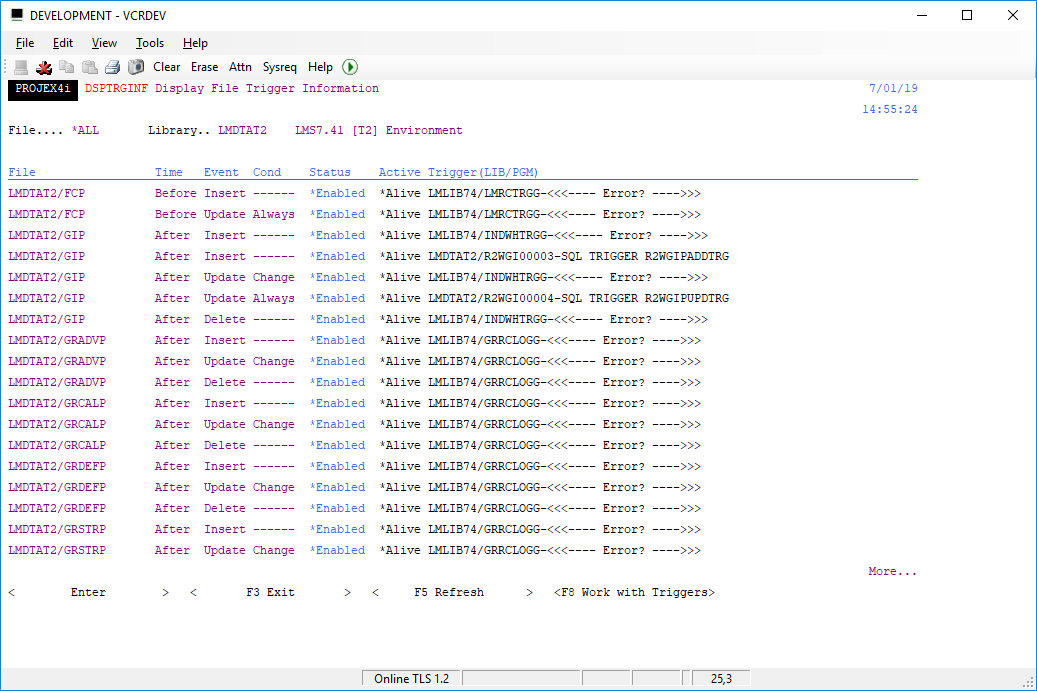
The trigger information shows the status of each trigger (*enabled or *disabled) and the status of each trigger.
If a trigger is in error status – for example the trigger program has been deleted, or the file has been restored with the trigger program in a library that does not exist – it will be highlighted with <<<—- Error? —->>>
FUTURE DEVELOPMENT – A work with trigger function is being designed. This will allow easy selection and toggling of individual trigger functions and active status.