

TRNFORM – Turnover Forms
This lets you toggle form status codes (things like READY, COMPLETED, PENDING, DISTRIB, etc) also lets you change status of individual turnover form lines en masse.
Just so you know its out there – use in emergencies only. #obviously
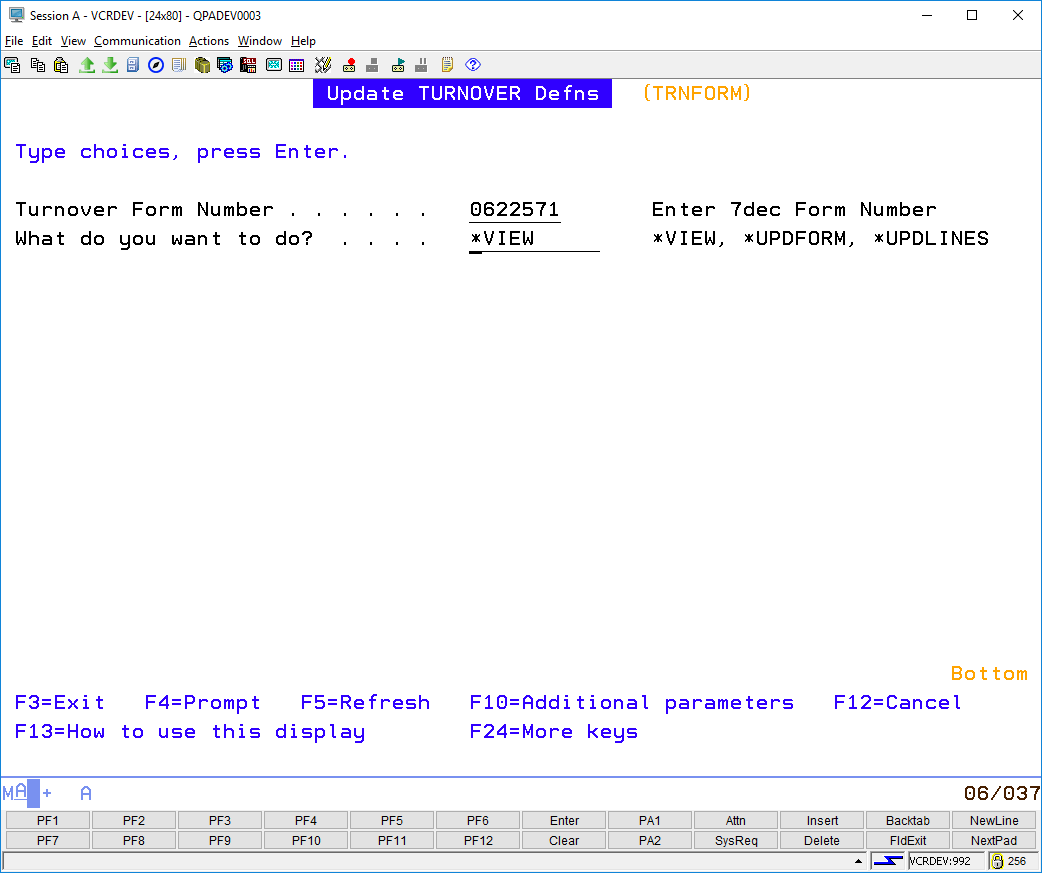
Use TRNFORM to view a form
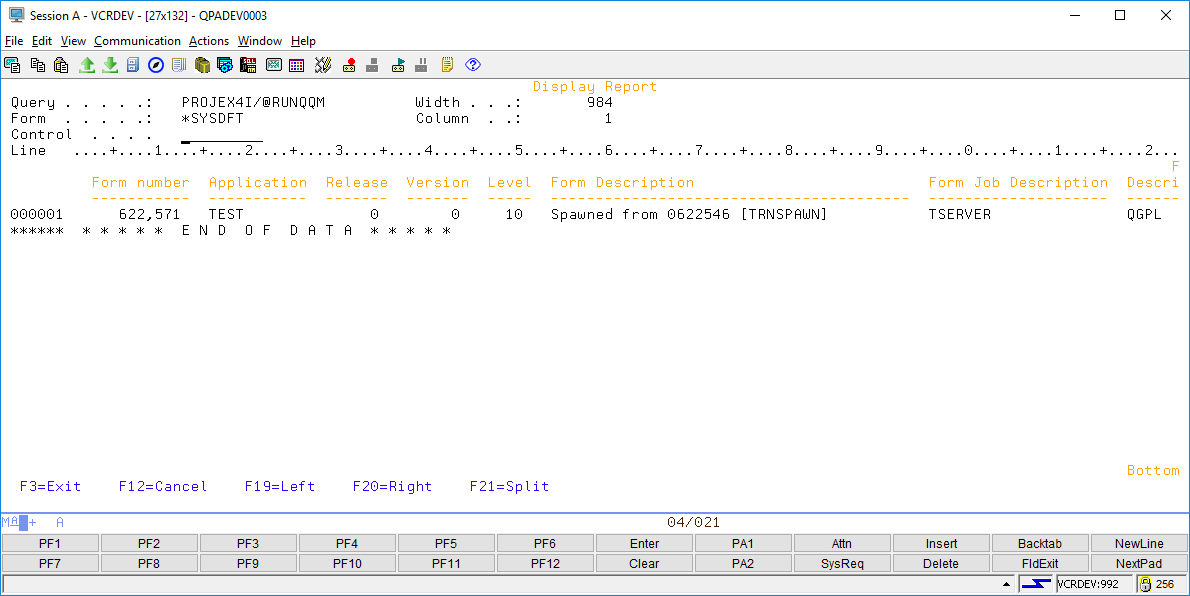
This will simple print the form as a *SPLF. You can print it or attach to an email:
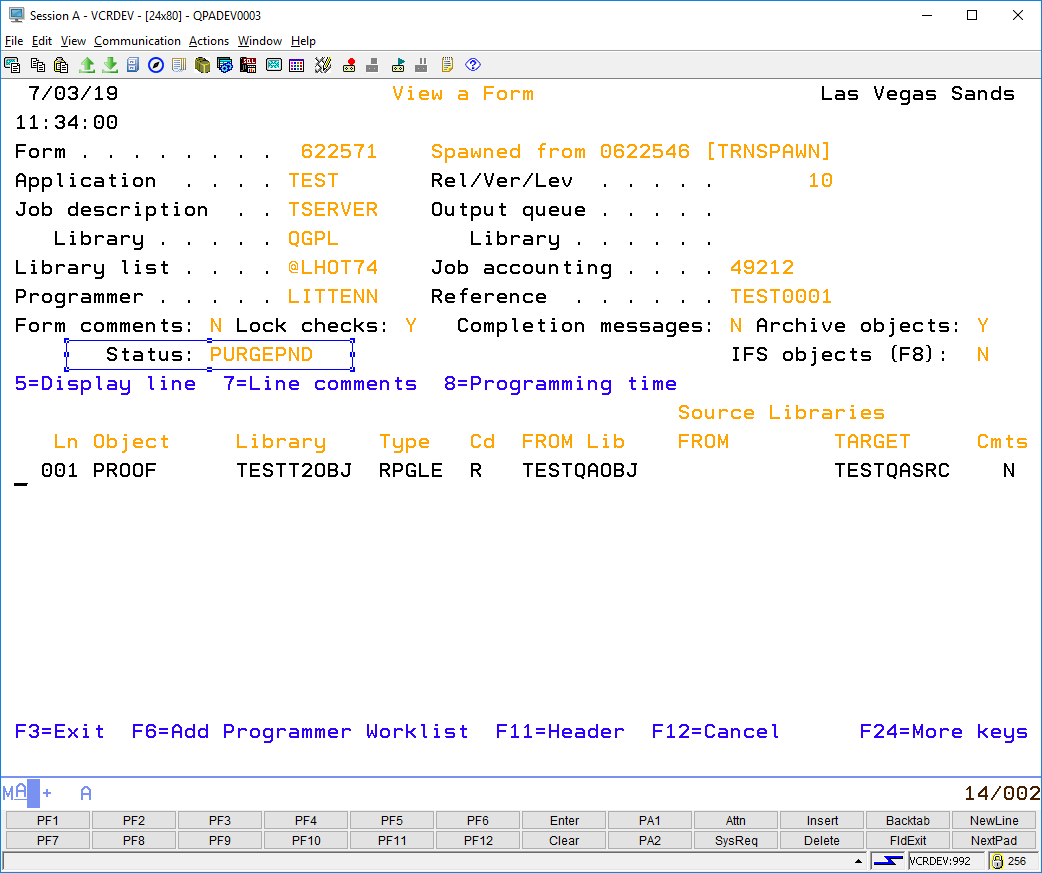
Example to change TURNOVER FORM status
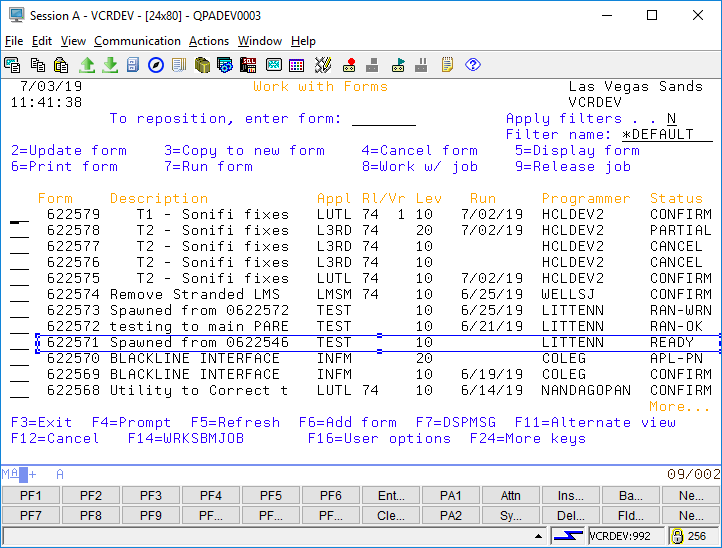
Here I accidentally set a form to status (PURGE PENDING) and I want to reset it to *READY so I can run it:
TRNFORM FORM(0622571) FORMFUNC(UPDFORM) FORMSTATUS(READY)
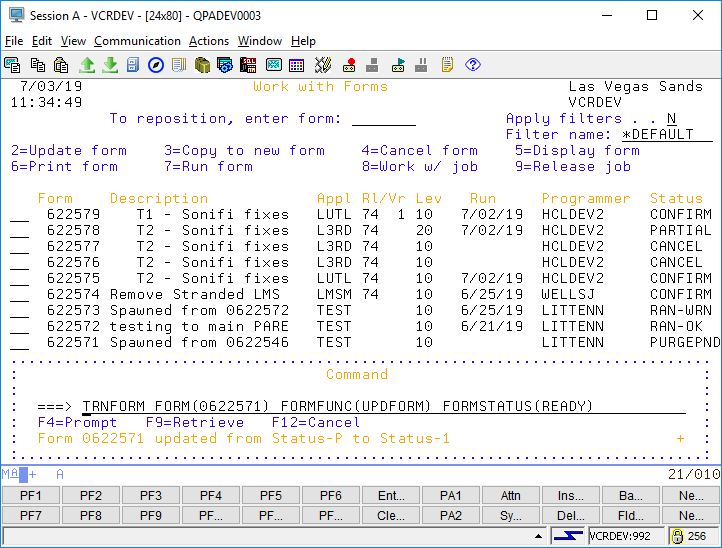
This would reset the form to status *READY
Change TURNOVER Lines to new line status
If you wanted to quickly change all lines to a new status for example from *ADD to *REPLACE or *DELETE:
TRNFORM FORM(0622571) FORMFUNC(UPDLINES) NEWLCODE(DELETE)