

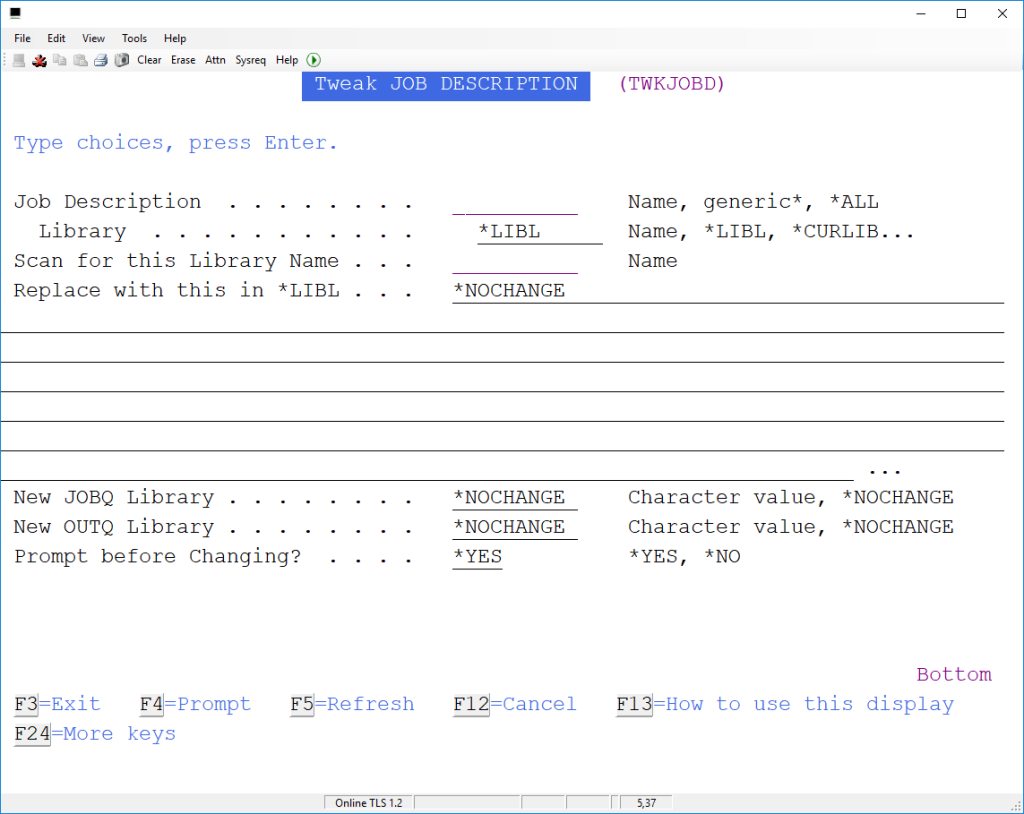
Tweak Job Description lets us scan for a specific IBM i library name and replace it with another library name.
How to use TWKJOBD to change *JOBD settings
TWKJOBD lets us change the library name details within a specific *JOBD, or all job descriptions in your *LIBL, *CURLIB or *ALLUSR libraries.
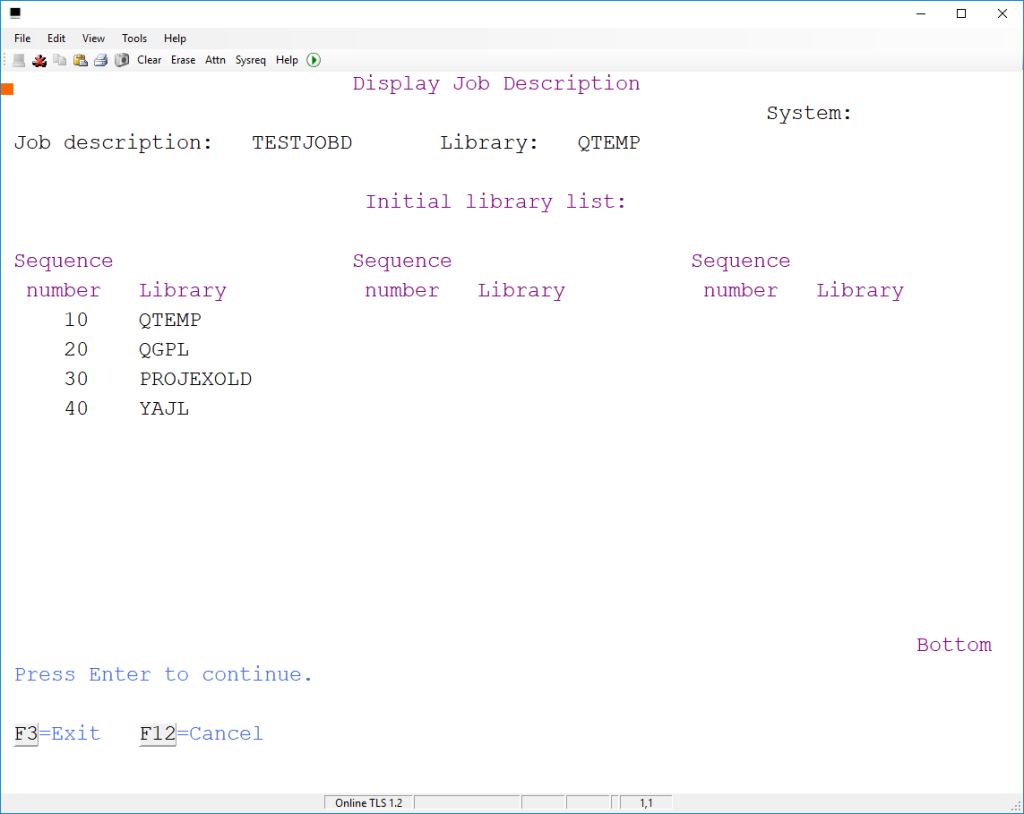
For example, if we found that a *jobd called TESTJOBD had PROJEXOLD in the INLLIBL.
Before running the command this job description looks like this:
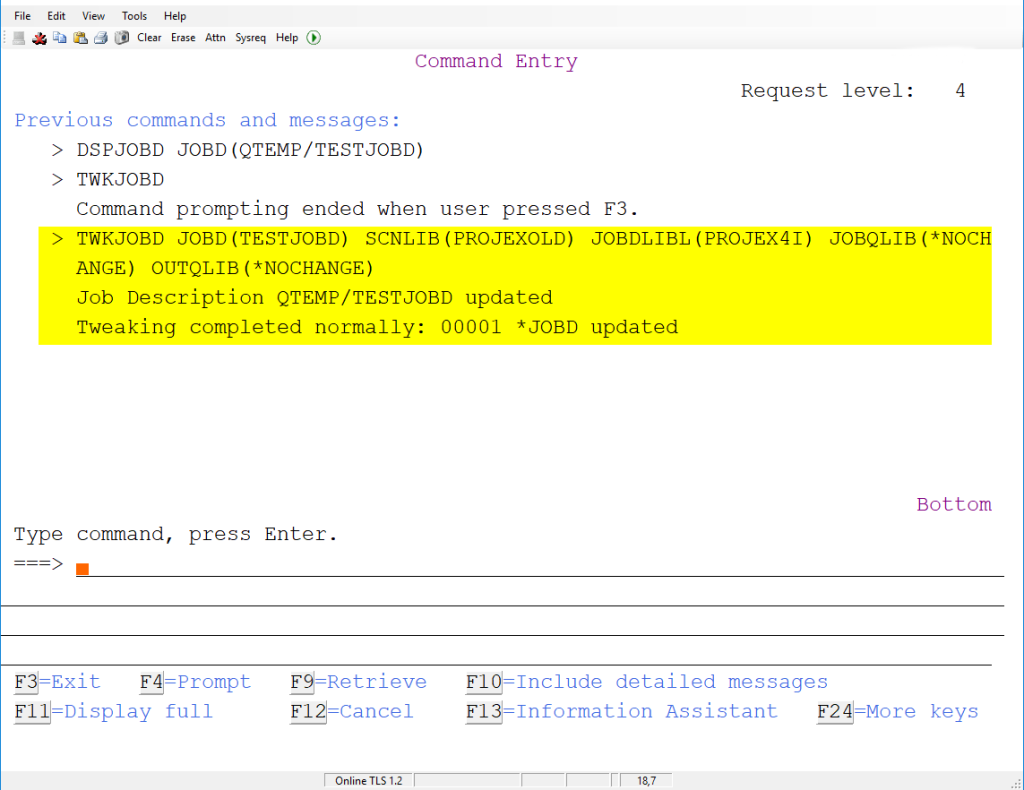
I could use
TWKJOBD JOBD(TESTJOBD)
         SCNLIB(PROJEXOLD)
         JOBDLIBL(PROJEX4I)
         JOBQLIB(*NOCHANGE)
         OUTQLIB(*NOCHANGE)
This will scan for the library name PROJEXOLD and replace it with PROJEX4i – you can see that is leaving the JOBQ and OUTQ library names unchanged. Of course, it could be used to change these values as well, or instead.
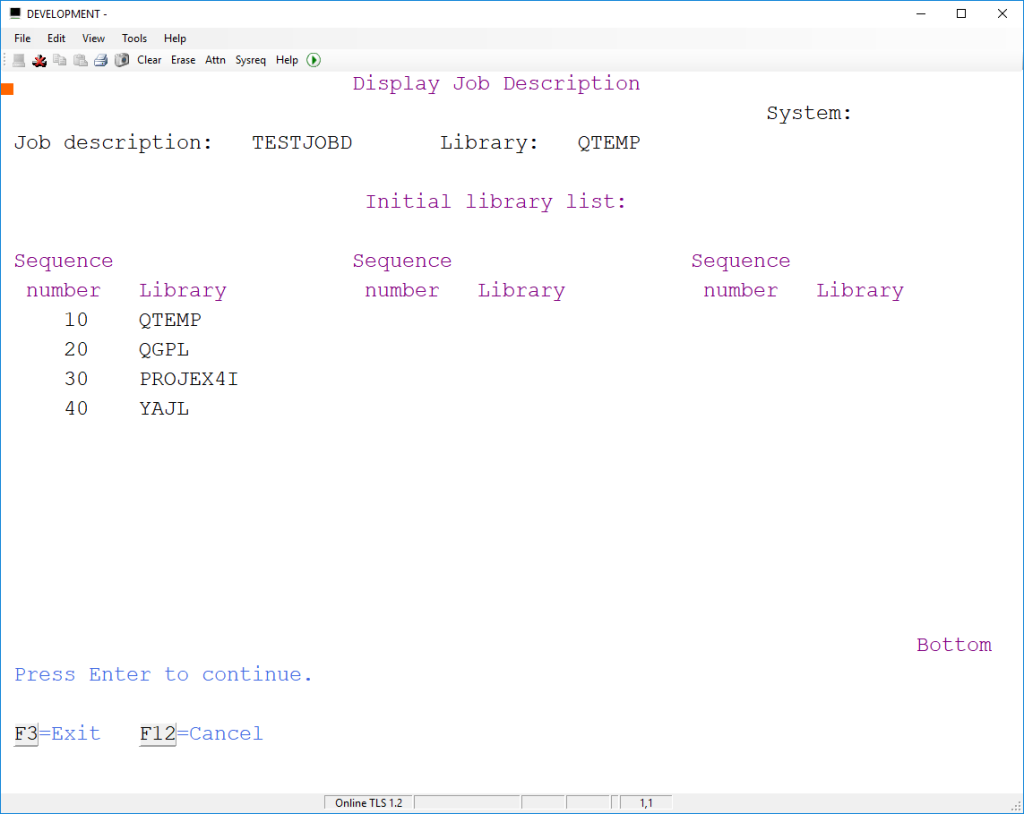
Once updated, the revised *JOBD looks like this:
Removing library from library list
If you want to remove a library or replace a single name with multiple libraries you might use the command like this:
Remove a library
TWKJOBD JOBD(TESTJOBD) SCNLIB(PROJEXOLD) JOBDLIBL(' ')
Replace library with multiple libraries
TWKJOBD JOBD(TESTJOBD) SCNLIB(PROJEXOLD) JOBDLIBL(LIB1 LIB2 LIB3)